
Level Up Your Storytelling – Turn Ideas Into Impact
Black Digital provides ongoing WordPress website maintenance for nonprofits, associations, and other organizations that rely on their sites for programs, donations, or registrations. We help you manage updates, backups, monitoring, and technical issues so your team knows what’s working and what needs attention.
Plugins change, registration forms get updated, and staff add new content. Over time, those changes can affect security, speed, accessibility, and reporting. A maintenance plan gives your team a schedule for routine checks, a record of what changed, and a point of contact when something needs attention.

Most website risk builds up after launch, through ordinary operational drift.
Sites that pass every check at launch can fall out of compliance and slow down within a year without active management. A website without a dedicated technical partner quietly accumulates risk that nobody’s watching for.
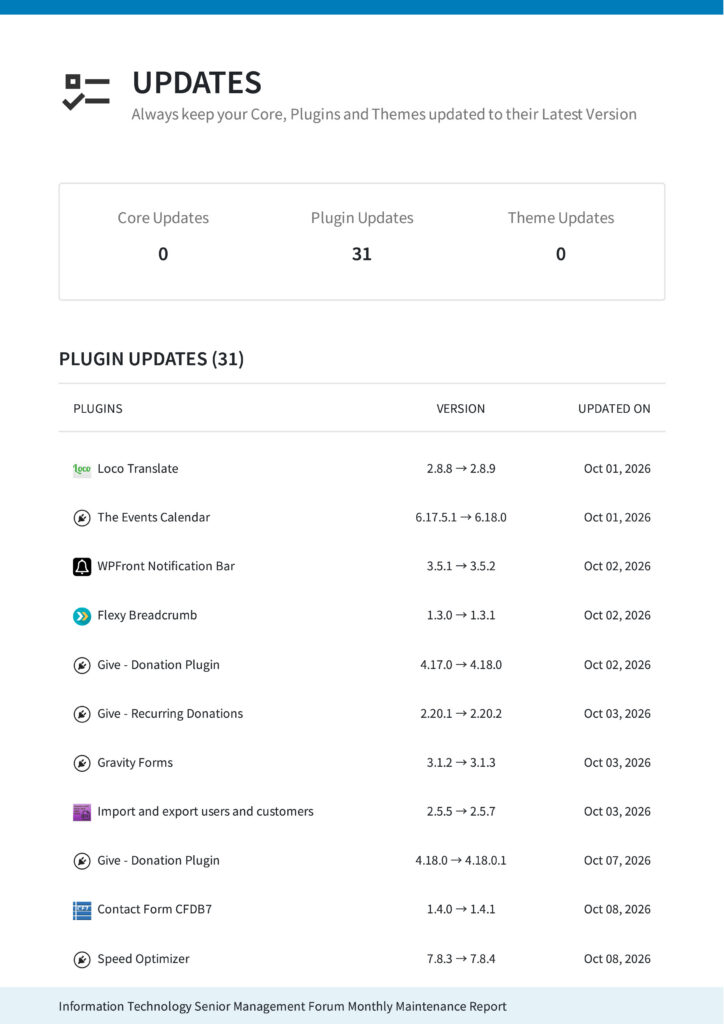
Keep WordPress, themes, and plugins current. Monitor for security issues and verify that backups run according to the agreed schedule.
Track site availability and review performance so your team can prioritize issues that affect visitors.
Review new content and changes for accessibility issues. Ongoing checks help surface barriers as the site evolves.
Check technical issues that can affect whether search engines can find and read priority pages.
Review completed maintenance, open issues, and recommended next steps with your team.
We define the update schedule, monitoring, reporting, and support scope before work begins. Your plan may also include managed hosting, accessibility monitoring, performance reviews, content updates, or development time.
Compare the existing checklist line by line with current plan documentation. Keep cadence, service levels, advanced features, and turnaround times where the service owner confirms them. Use the agreed schedule wherever a weekly, daily, or monthly commitment remains unconfirmed.
Exact inclusions depend on your plan selection. We’ll help you find the right fit during your consultation.
Support for lean teams.
Give staff a clear point of contact for technical issues and planned website changes.
Continuity after launch.
Carry the context from a website build or onboarding review into an ongoing maintenance plan.
Clear priorities.
Use the maintenance report to understand completed work, unresolved issues, and the decisions your team needs to make.
WordPress experience.
Get support for WordPress sites, including sites originally built by another team.


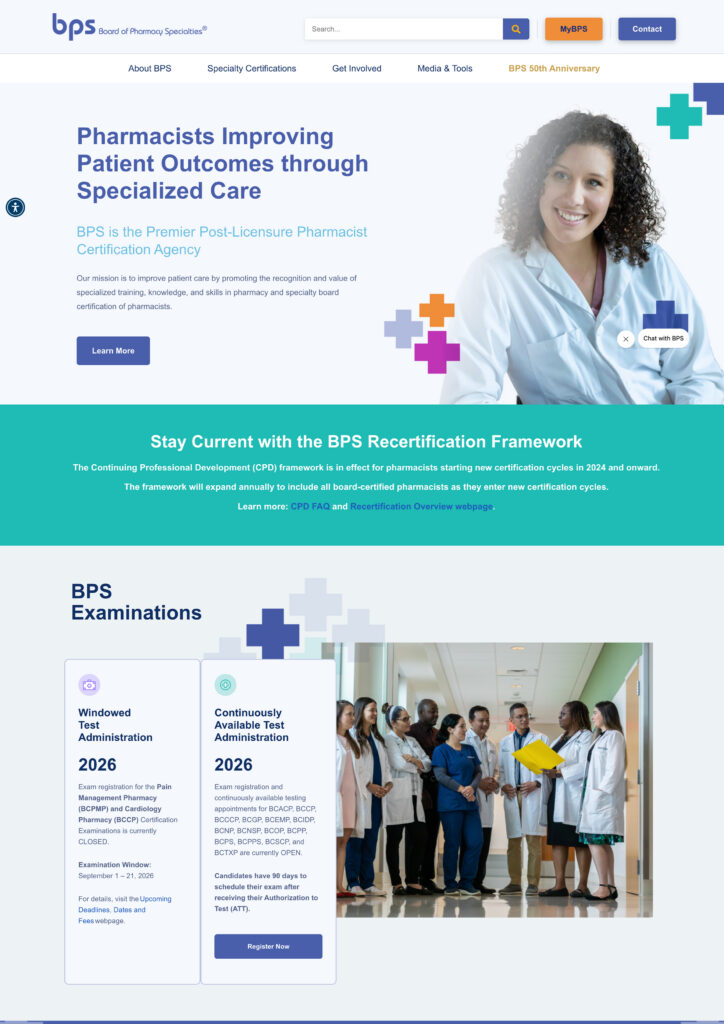
We redesigned the Board of Pharmacy Specialties website to help pharmacists find certification information and resources more easily. We also planned for ongoing maintenance of the site that supports those services.
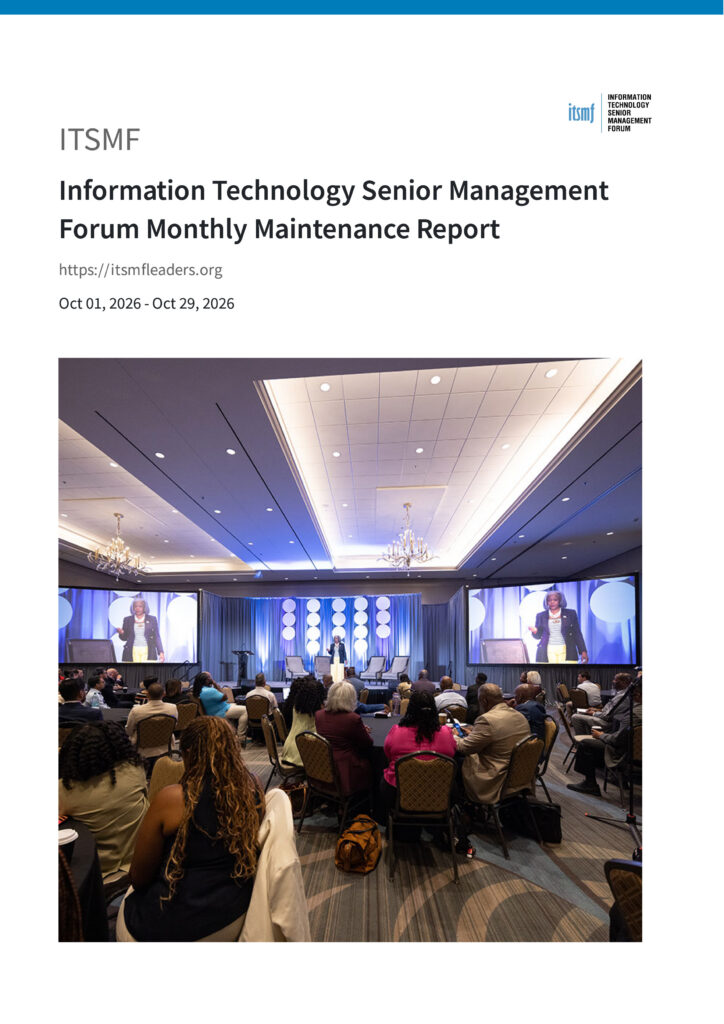
We help ITSMF keep program pages and registration links current as schedules change. Our ongoing support includes website updates, troubleshooting across event and email tools, and reporting on site activity.
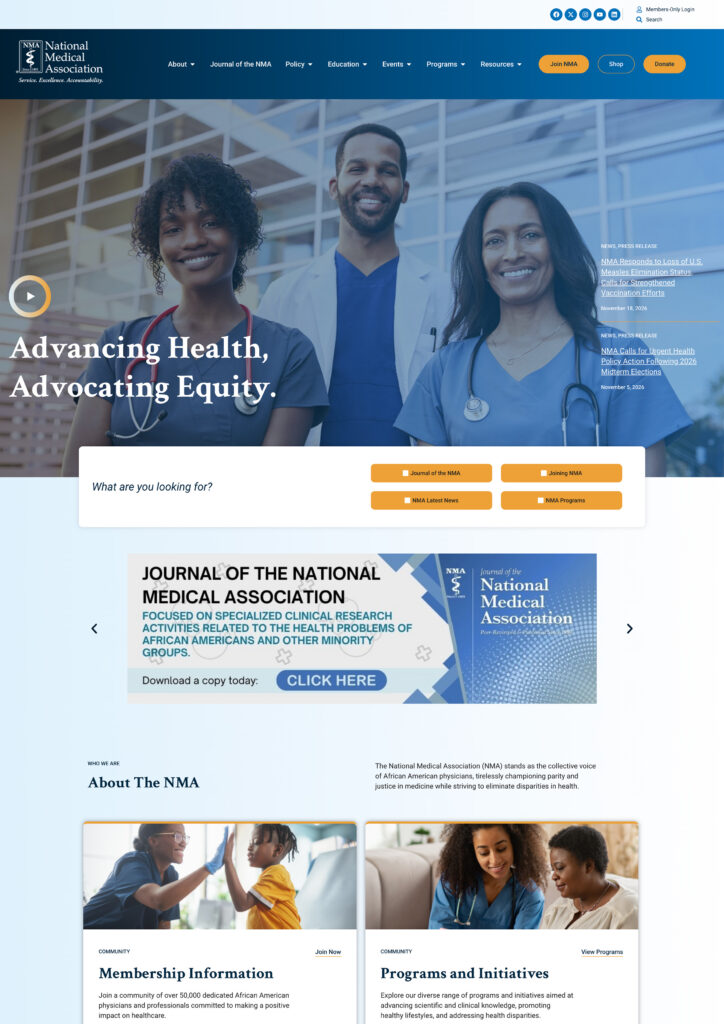
We redesigned the National Medical Association website with clearer mobile navigation and a connected member portal. Members can find association resources and access member services from the redesigned site.
Your plan sets out the work and who owns it. Common tasks include updates, backups, uptime checks, security monitoring, and reporting. Hosting, accessibility checks, content changes, and development can be included based on scope. Use our website maintenance checklist to review the work with your provider.
We agree on an update, backup, monitoring, and reporting schedule during onboarding. We also review urgent issues based on their impact and the support terms in your plan.
Yes. We begin by reviewing the WordPress setup, hosting, plugins, access, and any existing issues. That review helps us define what needs attention before routine support begins.
We plan updates around how your team uses the site and use a staging environment where appropriate. We prioritize checks on workflows such as registration, donations, or membership forms after updates.
We identify the affected feature and determine the best recovery step. That may involve restoring a working version, rolling back from a backup, or addressing a conflict. Recovery and escalation follow the terms of your support plan.
Security monitoring can help detect suspicious activity. If we identify an issue, we assess its scope and explain the next steps. Confirm what incident response and malware cleanup your plan covers.
Yes. Content changes, asset updates, and new pages can be included in your support scope or quoted as separate work.
Accessibility monitoring can be included in your plan. We can review new pages and changes, flag usability barriers, and scope fixes as needed.
Maintenance can uncover issues such as slow pages, broken links, or indexing problems. Your support scope determines which checks and fixes are included.
Uptime monitoring can flag an outage. We follow the notification, troubleshooting, and response process agreed for your plan.
Pricing depends on your site’s complexity, hosting, update needs, and level of support. Custom integrations, multiple sites, frequent content changes, or incident response can affect scope. Our nonprofit website maintenance cost guide explains how to compare options.
Tell us how your site supports your programs, what your team manages today, and where you need help. We’ll use that context to recommend a scope.

Level Up Your Storytelling – Turn Ideas Into Impact